

Maze Out! - Tap Puzzle Walkthrough
Read the arrow. Open the route. Keep the board flowing.
Independent fan-made guides. Not affiliated with the game developer.
Browse levels
No matching level. Try another number.
Recently updated
Game screenshots
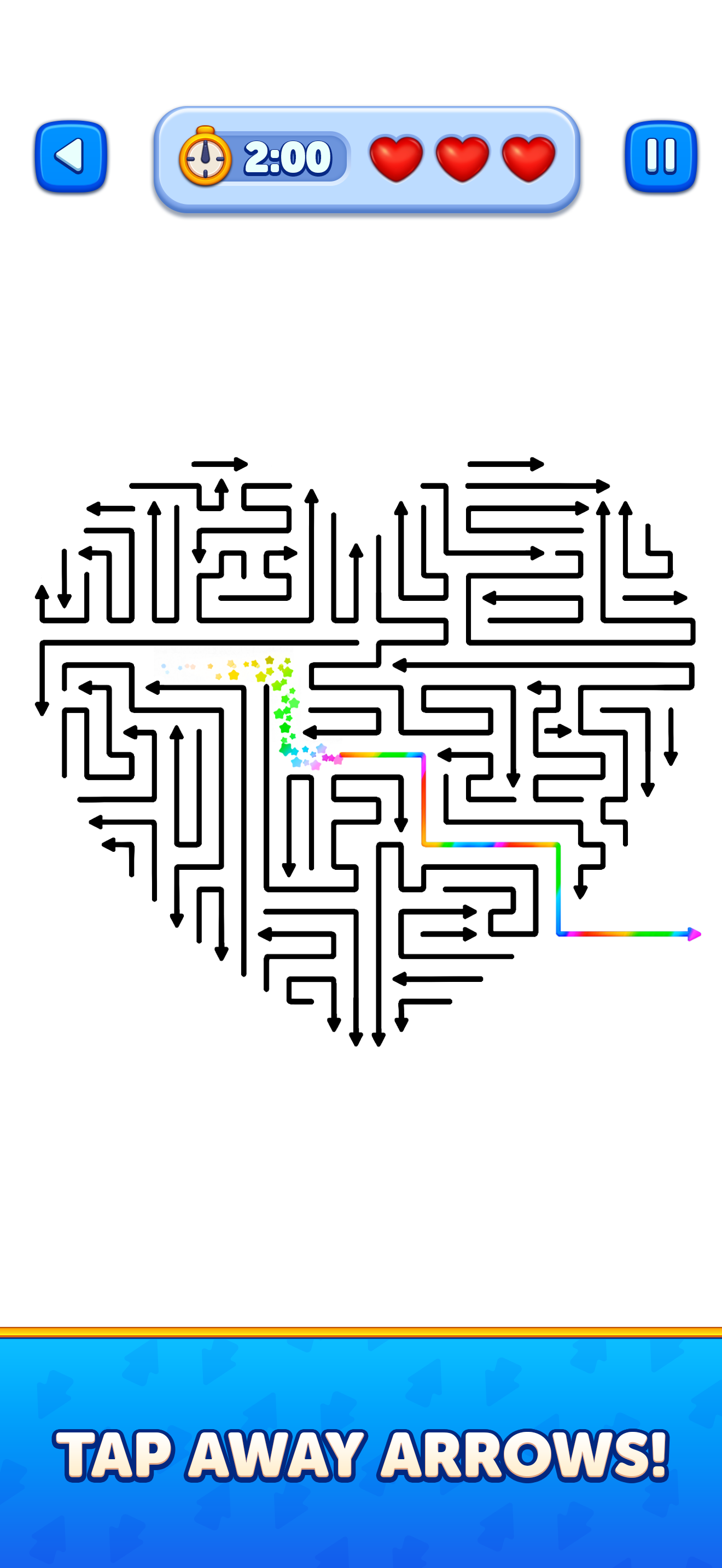
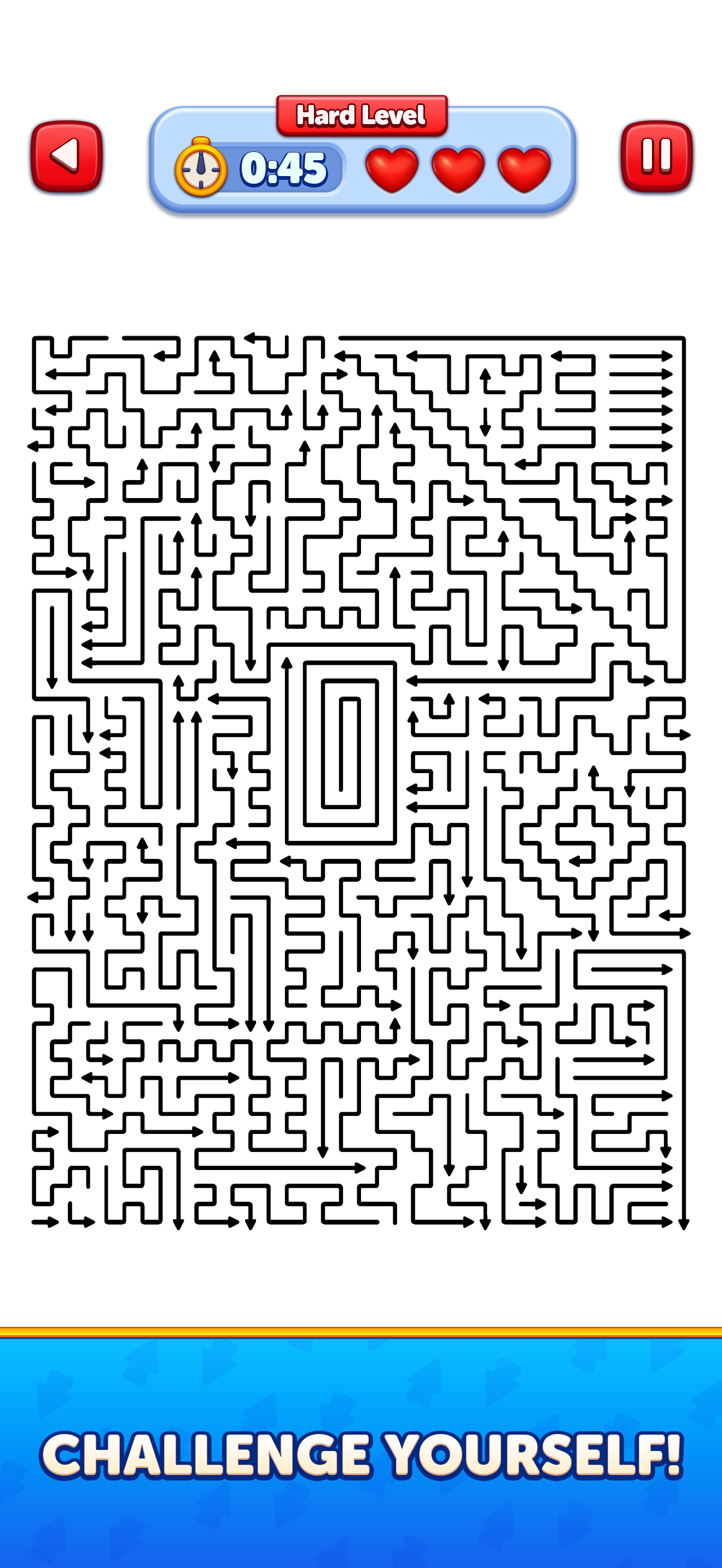
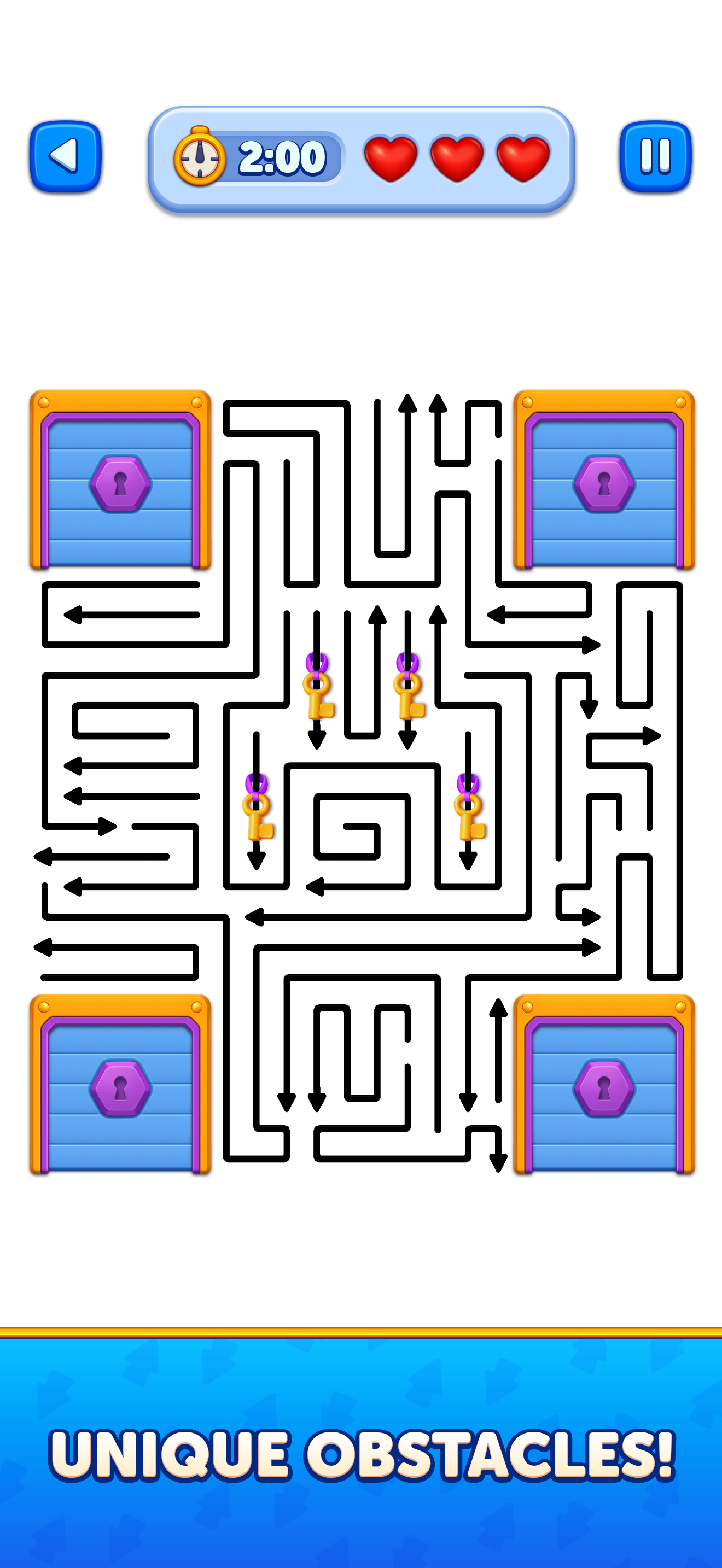
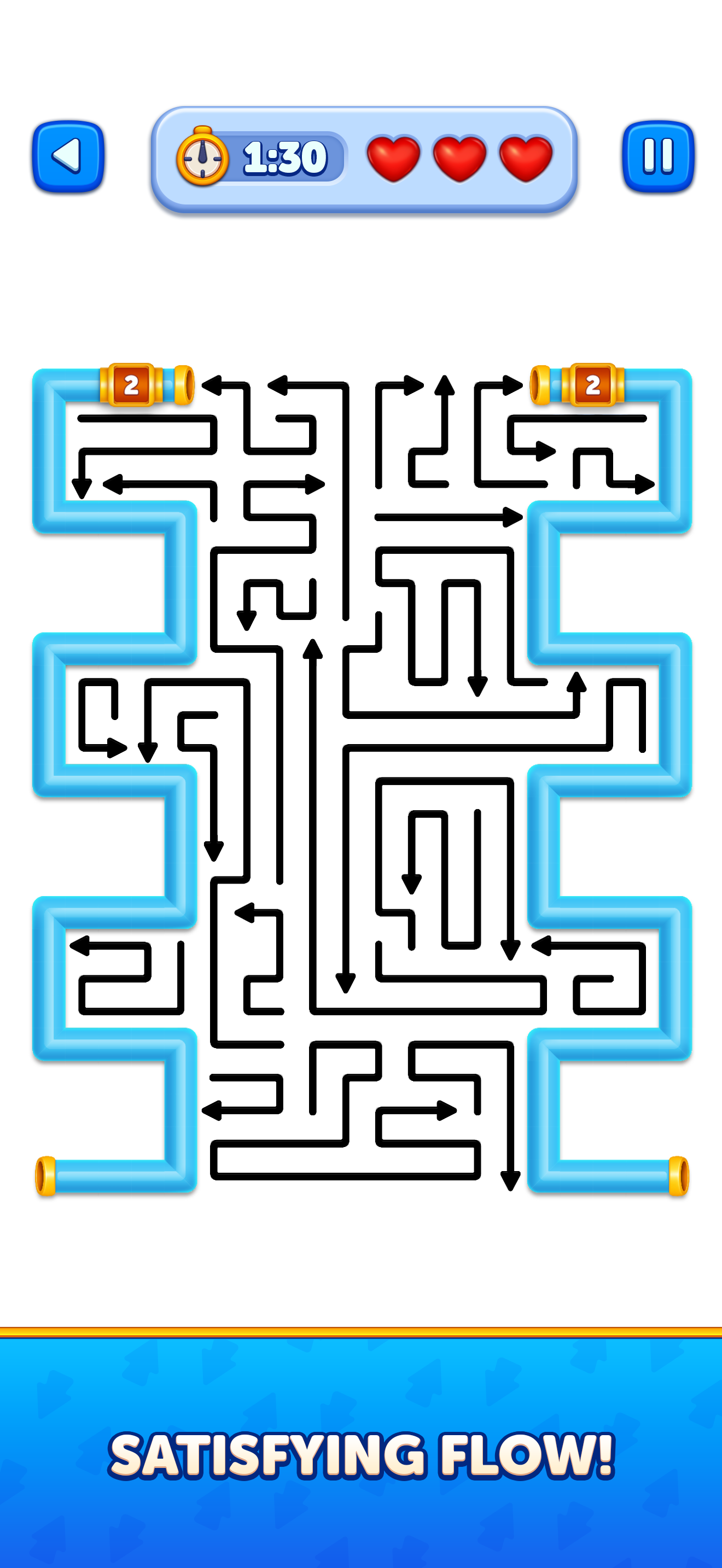
About the game
Maze Out! - Tap Puzzle is an arrow escape puzzle by Grand Games A.Ş. for iOS and Android. Tap arrows with open paths, release the pieces they block and clear the board before time runs out.
The challenge is the order of removal. Trace the arrowhead to the edge, look for its blockers, and use each cleared path to make the next move easier.
Browse 133 numbered video guides below. Compare the starting board with your game, especially after an update.
- Publisher
- Grand Games A.Ş.
- Platform
- iOS, Android
- Guide coverage
- 133 levels
- Last updated
- Game store
- App Store

To clear a Maze Out board, tap arrows with open routes and use their removal to release the pieces behind them. The goal is an empty board before time runs out. Choose your level above for the video, or use the guides below to improve how you read the paths.
A maze made from arrows
Maze Out! - Tap Puzzle turns a crowded field of arrows into a removal puzzle. Grand Games A.Ş. combines a simple tap control with a board that opens gradually as pieces leave. Each successful release changes what you can do next. The satisfying moment is often a chain: one arrow clears a corridor, a second frees a crossing, and a third suddenly has a direct route off the board.
The App Store and Google Play list the game for mobile devices. This site is an independent guide with numbered videos, practical play notes and a language menu. The guide count refers to the recordings available here, rather than the game’s total number of levels. Use the game’s own screen for your current level and available features.
Read direction before tapping
Find the arrowhead and trace the complete path it would travel. A free gap immediately in front of a piece may still lead to a blocked lane further away. Look across the board rather than inspecting only the area under your finger. When an arrow is ready to leave, tap it, watch the space it frees, and scan that same lane for the next opportunity.
There is no need to translate the whole board into a giant mental plan. Identify a small sequence you can explain: remove this arrow, clear that path, then release the piece behind it. Short, confident sequences are easier to execute under a timer than either random tapping or spending too long attempting to solve everything at once.
The clock changes the rhythm
The developer describes plentiful moves with limited time. That makes attention a resource. Read the timer on the board and keep your search systematic: scan one edge, follow available lanes, then reassess the area changed by your latest move. Repeatedly jumping between unrelated corners can use time without improving the position.
If an attempt expires, use the recording to locate the first point where your route became slow. Watch the next few removals, pause the video, and return to the game with a short plan. Studying a video does not pause an active attempt. If you use a pause control inside the game, confirm what happens to its timer.
Obstacles and the shape of a route
Linked arrows, corners and pipes are named in the developer’s description. Their presence is a cue to look beyond a simple straight exit. Inspect how a route connects to its surroundings, and compare the same section in the video before committing to a fast sequence. Do not assume a route is open because its first section looks empty.
The official screenshots show both densely packed arrow fields and boards organised around prominent obstacles. These images illustrate the game’s visual language; use the opening frame of your level’s recording to match an actual attempt. A similar colour palette or outline is less useful than matching the arrows and obstacles in the same positions.
Use a walkthrough as a planning aid
Open the guide for the number displayed in your game. Compare the starting layout, then watch the opening without trying to tap along immediately. Pick a small landmark, such as a long lane or a distinctive obstacle, to keep your place when moving between the recording and your attempt.
Follow the cause of each move. Ask what becomes available when an arrow leaves and whether that new route helps several pieces. If the board has already diverged from the recording, stop copying screen positions and trace the remaining routes again. More than one clear arrow can sometimes be available; a different valid order is not automatically a mistake.
Everyday play and technical problems
Offline play and an ad-free experience are promoted in the developer’s App Store description. The listing also includes in-app purchases. Read the current store and purchase information on your device for details that may change. This guide uses advertising and YouTube separately from the game itself. Google Play labels the Android app as containing ads, so the App Store promotion should not be assumed to apply to every platform.
If loading or stability becomes a problem, check updates, free storage and a normal restart before trying disruptive fixes. Clearing data or reinstalling can affect local progress. For account or save questions, use the developer’s support and the options provided in the app. A walkthrough website cannot restore progress or change your game account.
Build a repeatable habit
Before each move, read direction; after it, read the newly open space. This two-part habit reduces aimless searching. Work from the clearest exits toward the dependencies they reveal, with enough flexibility to switch when another lane opens. Watch the remaining board become simpler rather than trying to remember every original piece.
For more detail, the how-to-play guide explains reading and clearing routes, the tips page covers efficient planning, and the features page separates the puzzle’s main systems. The FAQ answers practical questions about the timer, videos, compatibility and progress. Choose the part that addresses your immediate problem, then return to the level index.
Frequently asked questions
How do you beat a Maze Out level?
Remove arrows whose full exit paths are clear, then use the space they leave to release the next pieces. Continue until the board is empty before the timer runs out. If you are stuck, compare the starting layout with the numbered video and watch the first move that opens a new route.
Why does an arrow refuse to leave?
An empty square near the arrowhead does not guarantee an open exit. Trace the route all the way outward and look for another arrow or obstacle further along it. Check the direction of the arrowhead rather than assuming the visible length of a piece is its direction of travel.
Is this a game about finding a character’s way through a maze?
The central action is extracting arrows from a crowded board. You are arranging a removal sequence rather than moving a character along a drawn maze. The maze-like lines make direction and shared space important, so reading the arrows is more useful than searching for a single entrance and exit.
Does Maze Out have a time limit?
Yes. The developer describes plentiful moves but limited time, with the board to be cleared before time runs out. Read the timer shown on your own level and plan short chains of moves. A video can be paused for study; your active game may keep counting down while you look elsewhere.
Which arrow should I remove first?
Start by tracing arrows whose heads point toward an obvious open boundary. Among available choices, prefer one that clears a lane for other pieces. There is no universal instruction to always start from one corner: direction, obstacles and the arrangement of the particular board determine useful opening moves.
What obstacles are in the game?
The developer names linked arrows, corners and pipes among the obstacles. Examine the route around each obstacle and watch its response in the matching walkthrough. Treat a new shape as a reason to slow down and read the board, rather than assuming every object behaves like a normal straight arrow.
Can Maze Out be played offline?
The App Store description advertises offline play. Download and open the game before relying on it without a connection, and remember that optional online services may have separate requirements. This guide’s YouTube videos need an internet connection even when the game itself is playable offline.
Who developed Maze Out! - Tap Puzzle?
Grand Games A.Ş. publishes the game. Use the developer name as well as the title when checking a store result, because many arrow and maze puzzles have similar names. This is an independent GTYX guide and is not affiliated with the developer.